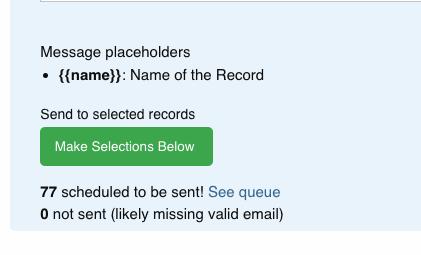
You can send a simple text email to your subscribers list. Follow the instructions below, clicking next to see each step:
Step 1
To start, navigate to your campaign’s landing page
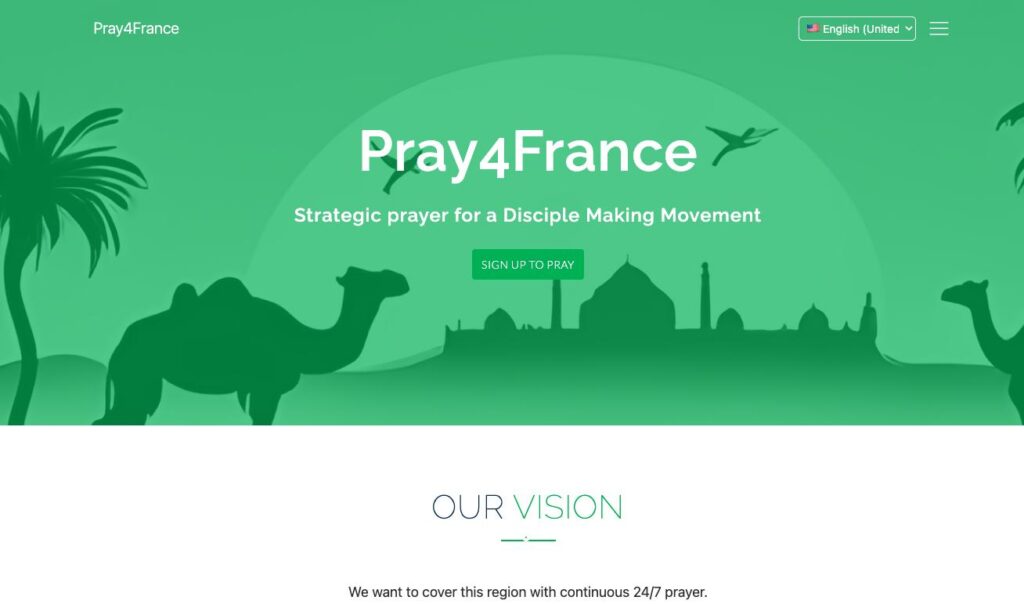
Step 2
Scroll to the bottom and click “Campaign Settings”
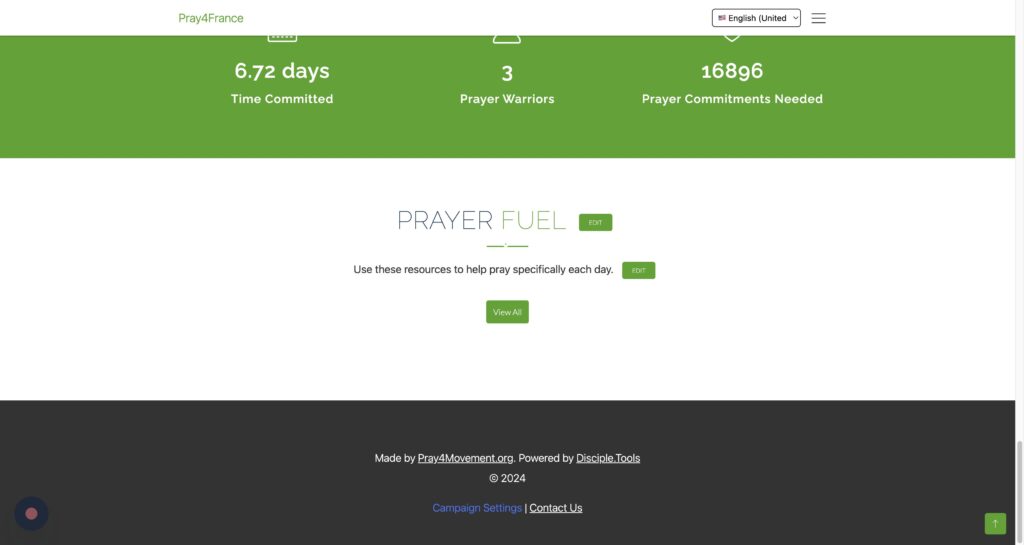
Step 3
Click “Subscribers List”
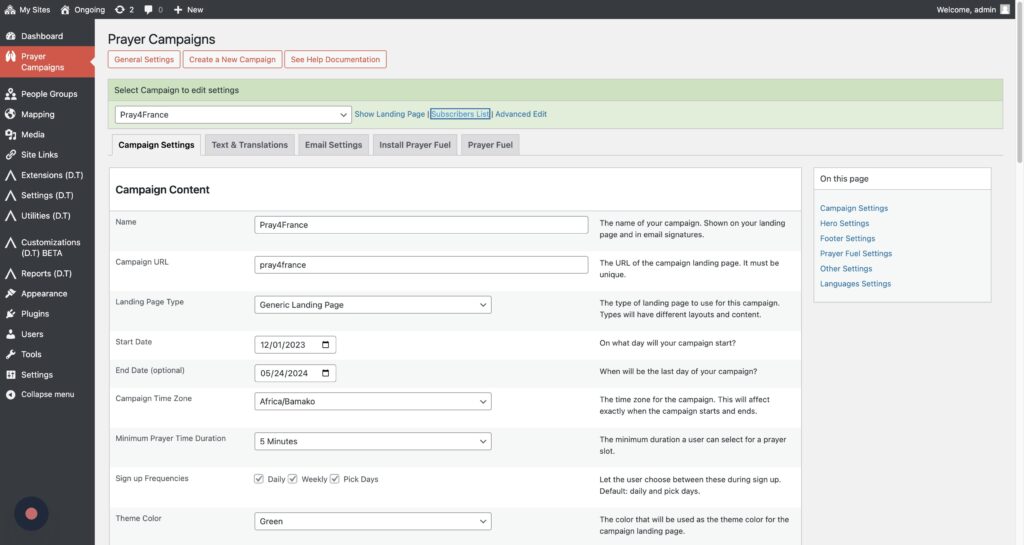
Step 4
(optional) Select the campaign you want to message in the filters.
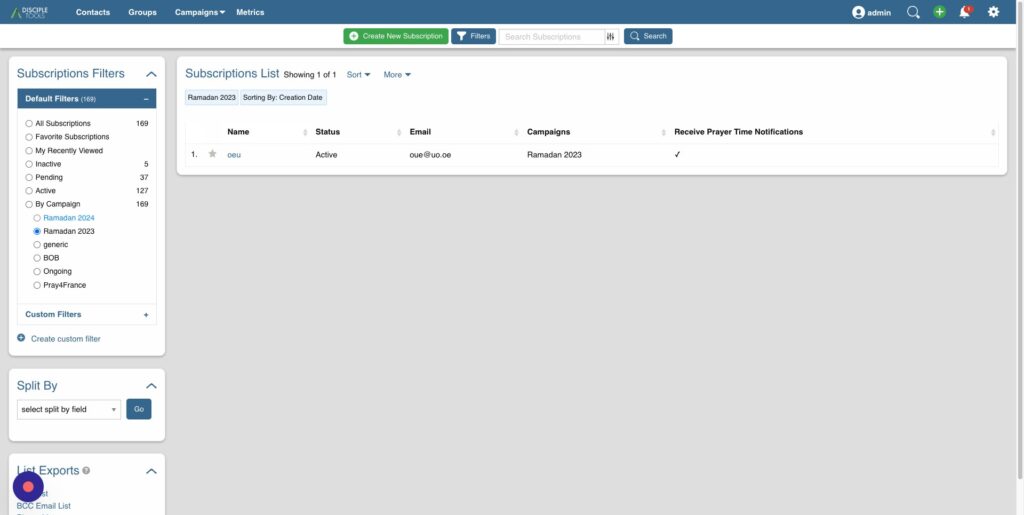
Step 5
Click More and then “Bulk Send Message”
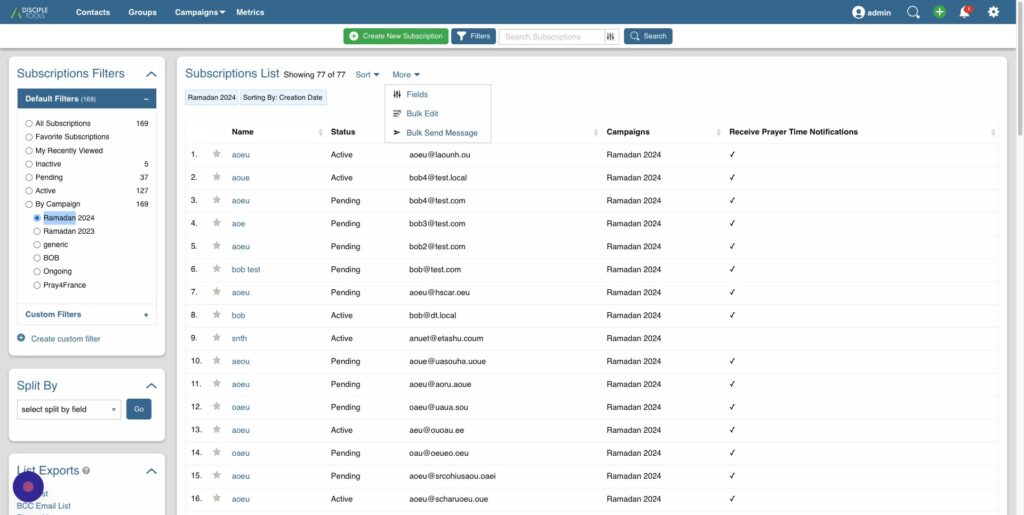
Step 6
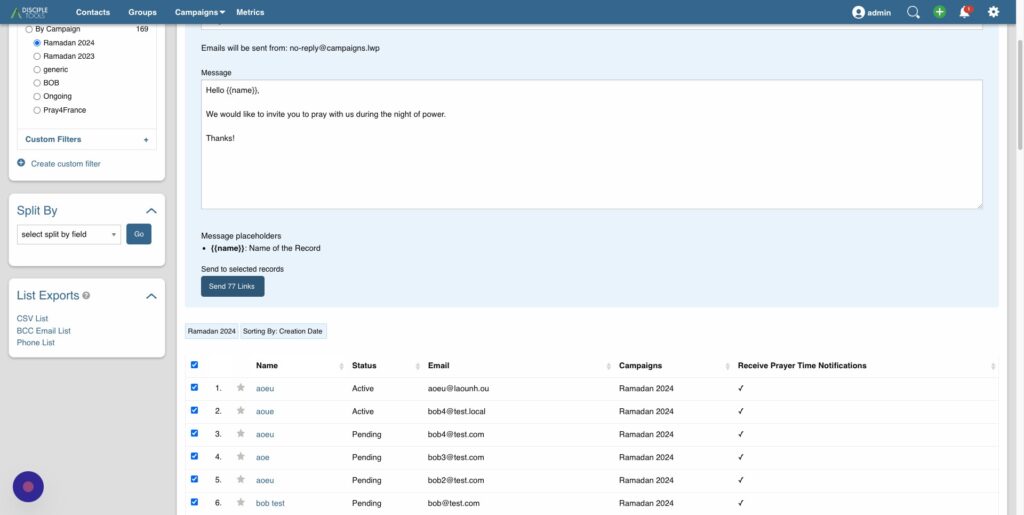
Customize your Email.
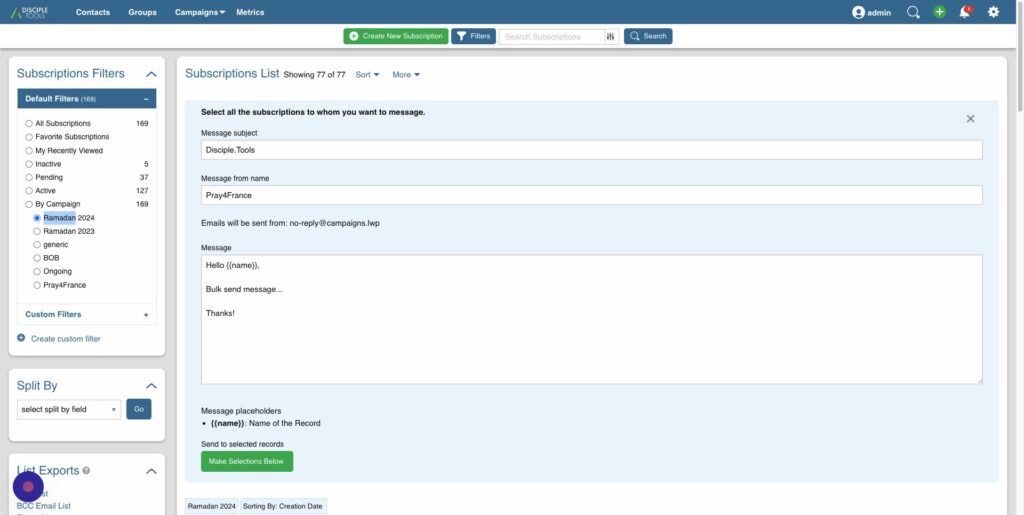
Step 7
Click this checkbox to select all the campaign’s subscribers
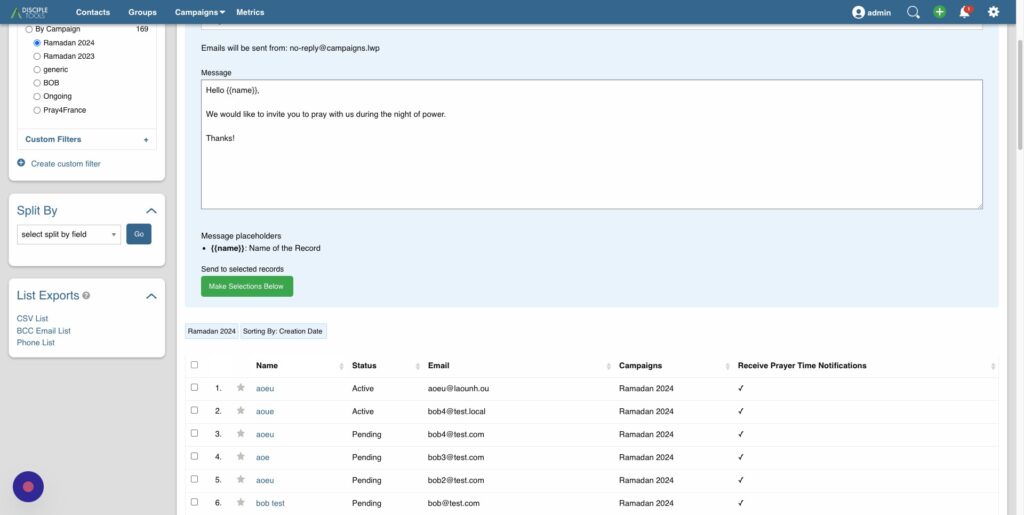
Step 8
Click “Send”
Step 9
Your email is now scheduled to send. It might take a bit for the process to work through them.