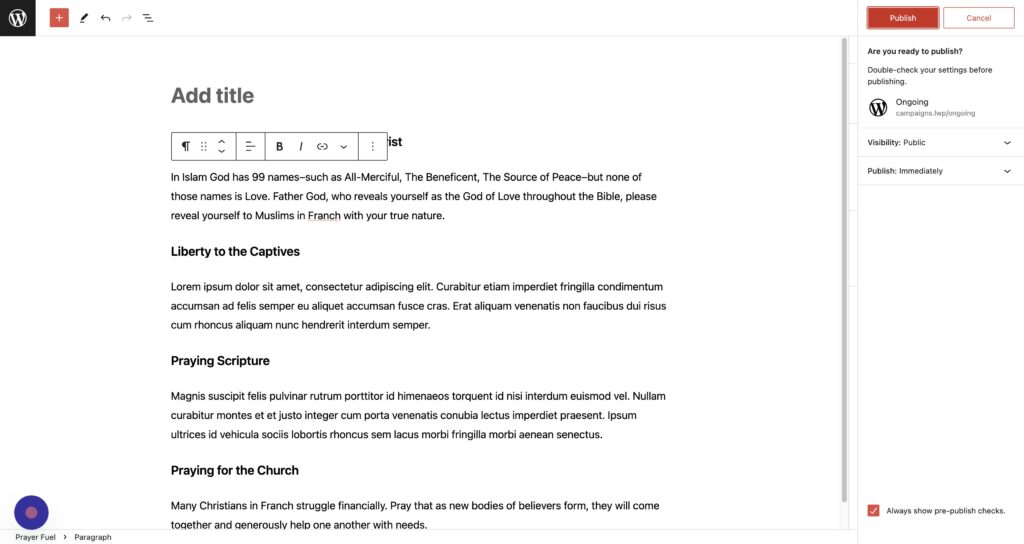
Want to use a template to create each day’s prayer fuel?
Creating a Pattern
Step 1
Write you template
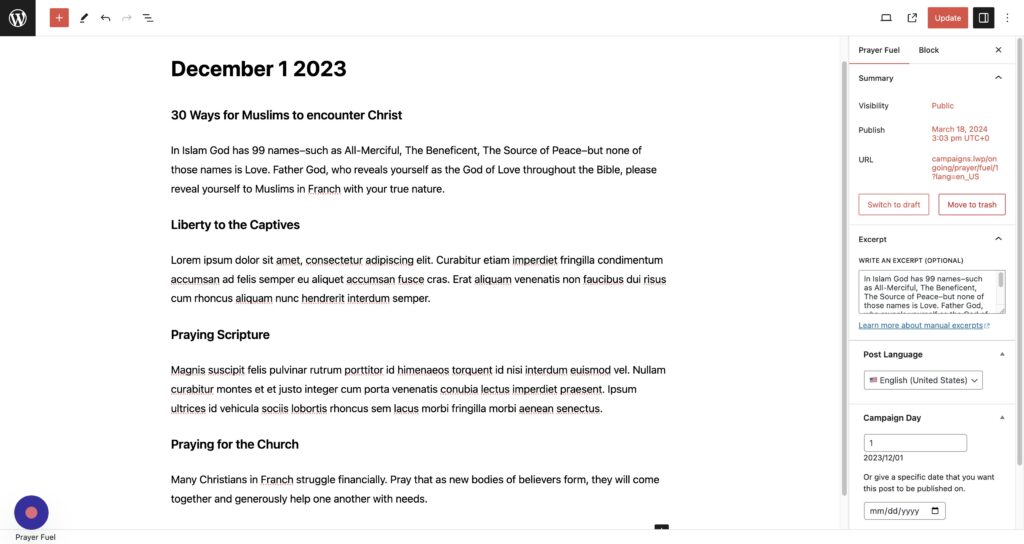
Step 2
Select all the text you want included in the template.
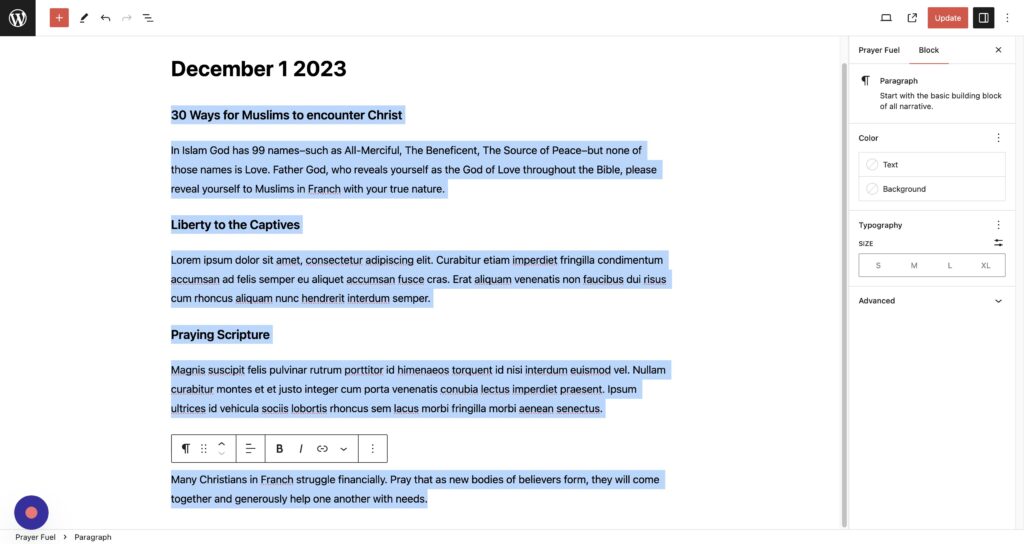
Step 3
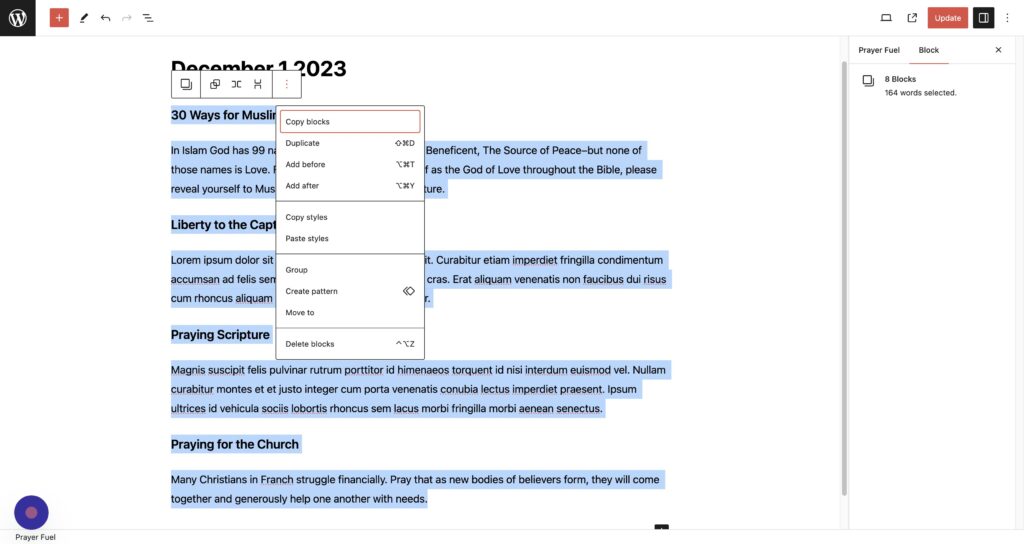
Click the more icon.
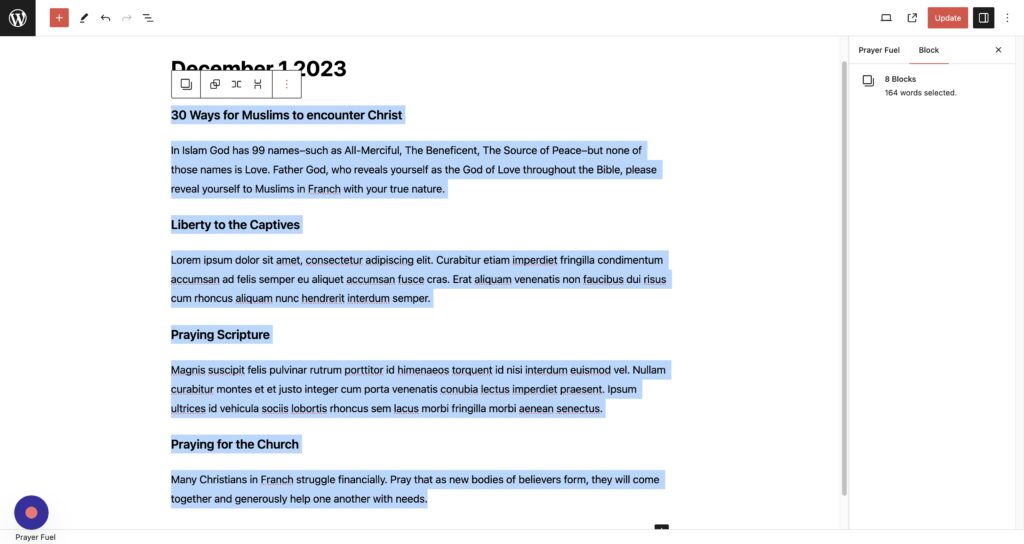
Step 4
Click “Create pattern”
Step 5
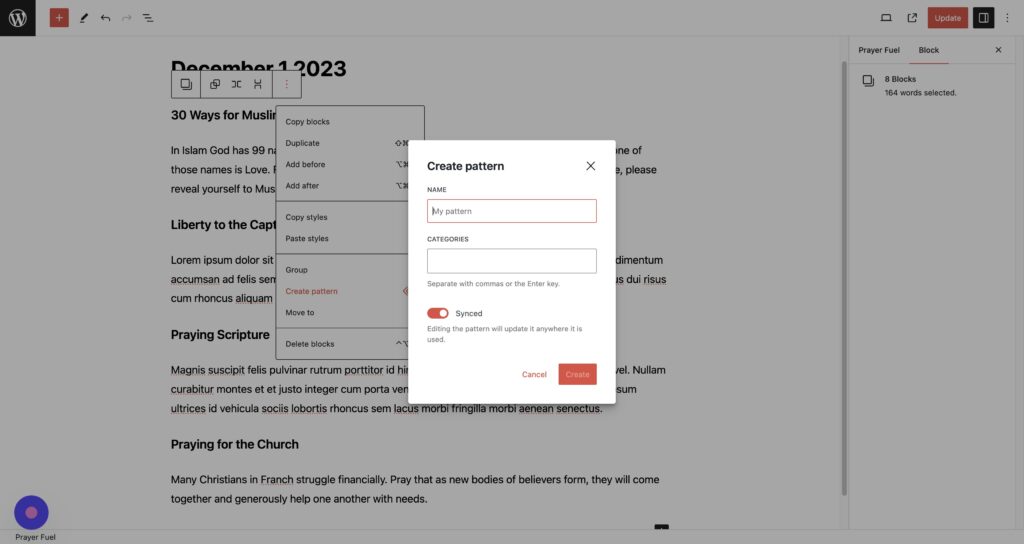
Name your pattern
Step 6
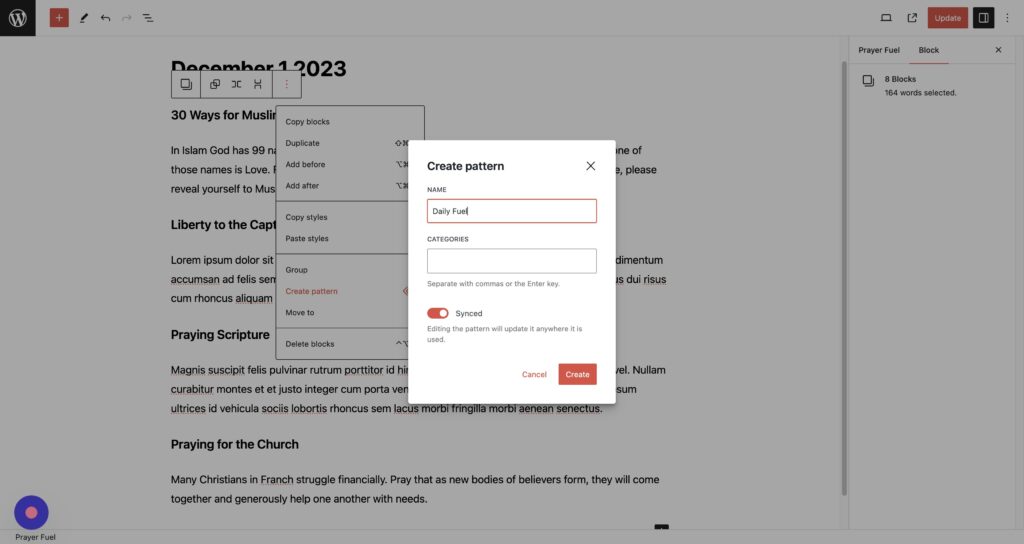
IMPORTANT: Click the “Synced” field to unselect it
Step 7
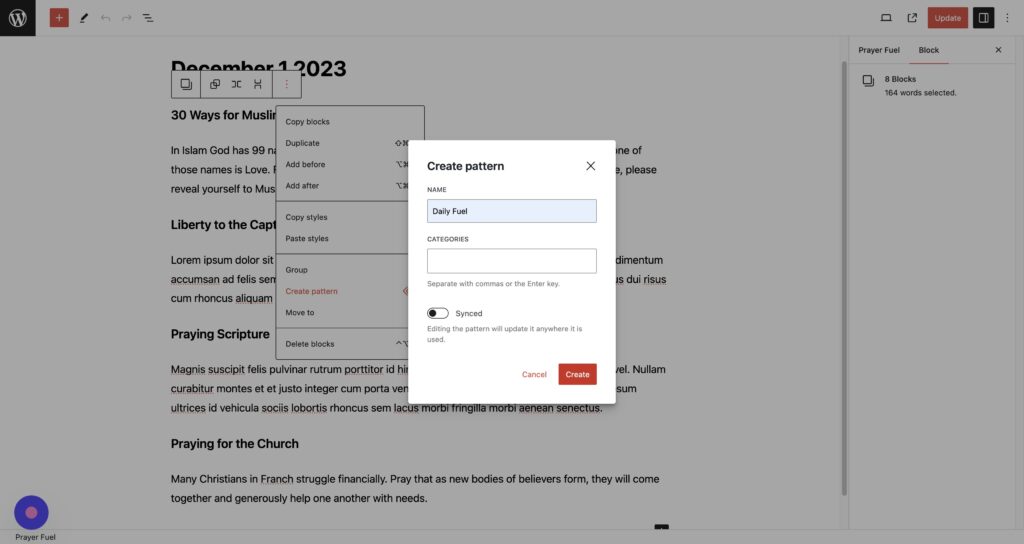
Click “Create”
Note: Synced patterns are blocks that have the exact same text everywhere the pattern is used.
For each prayer fuel post we want to start with a pattern and then modify the text. For this we use un-synced patterns and we need to unselect the “synced” option when created the pattern.
Using a Pattern
Step 1
Click “Prayer Campaigns”
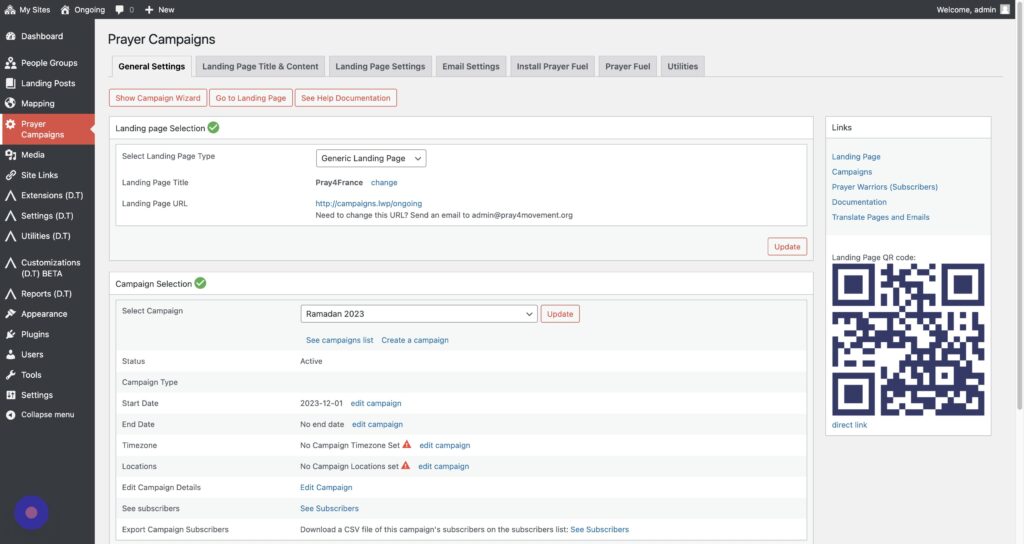
Step 2
Click “Prayer Fuel”
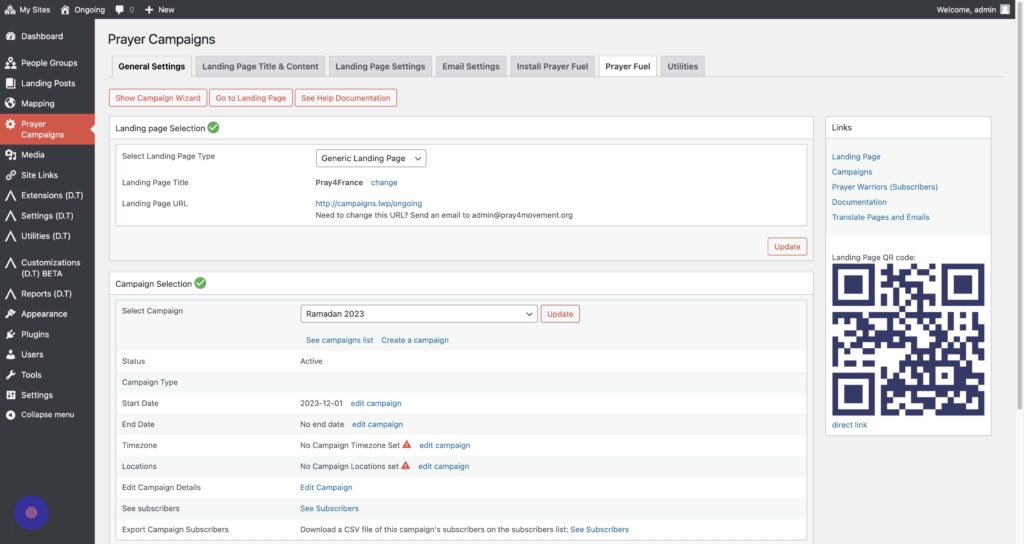
Step 3
Create a new prayer fuel post by clicking the flag on the correct day
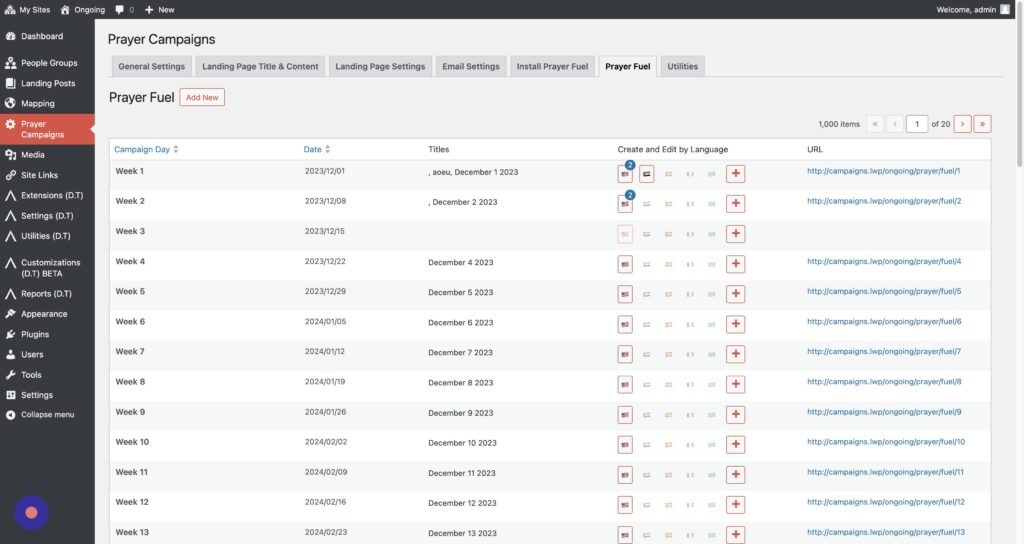
Step 4
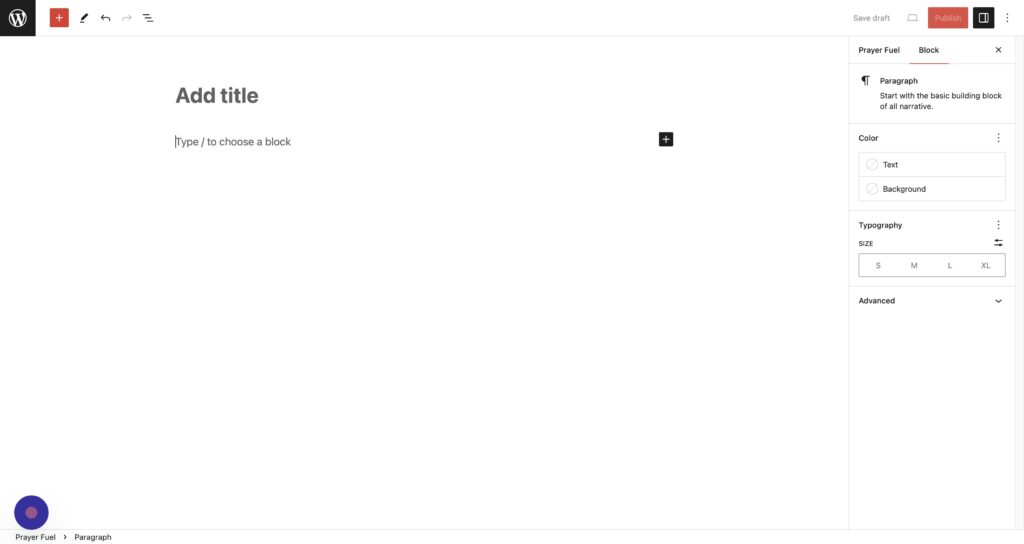
Click “Type / to choose a block”
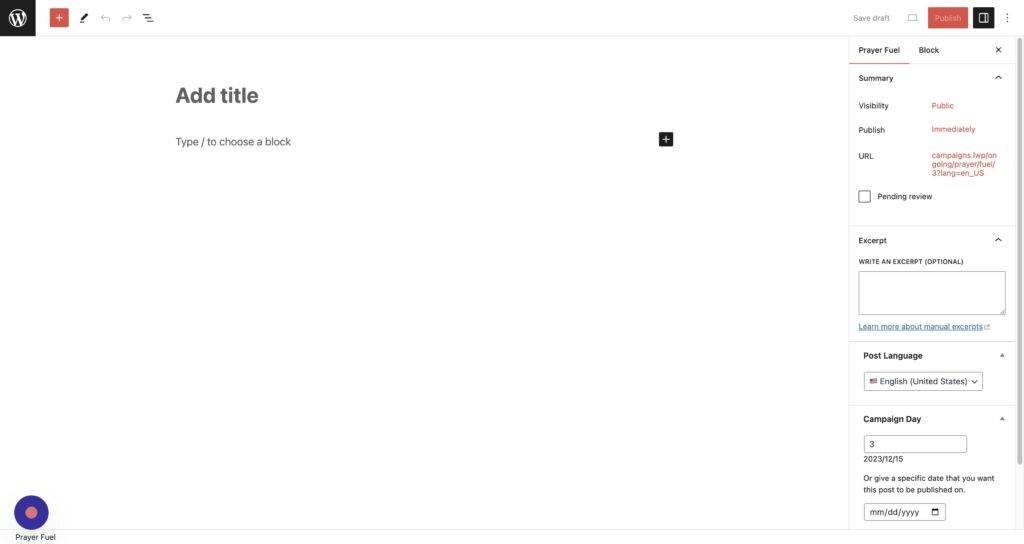
Step 5
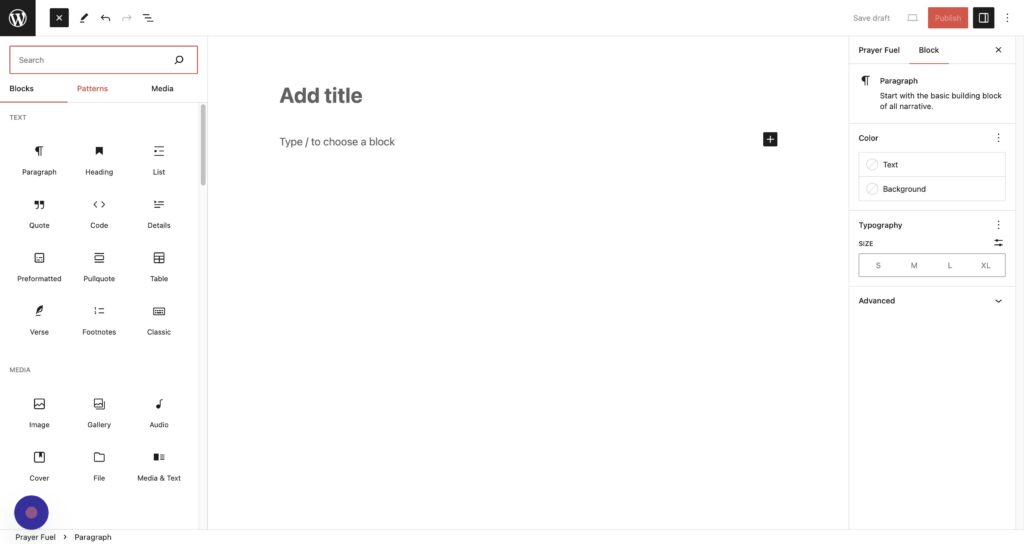
Next we’ll add a pattern. Click the + button.
Step 6
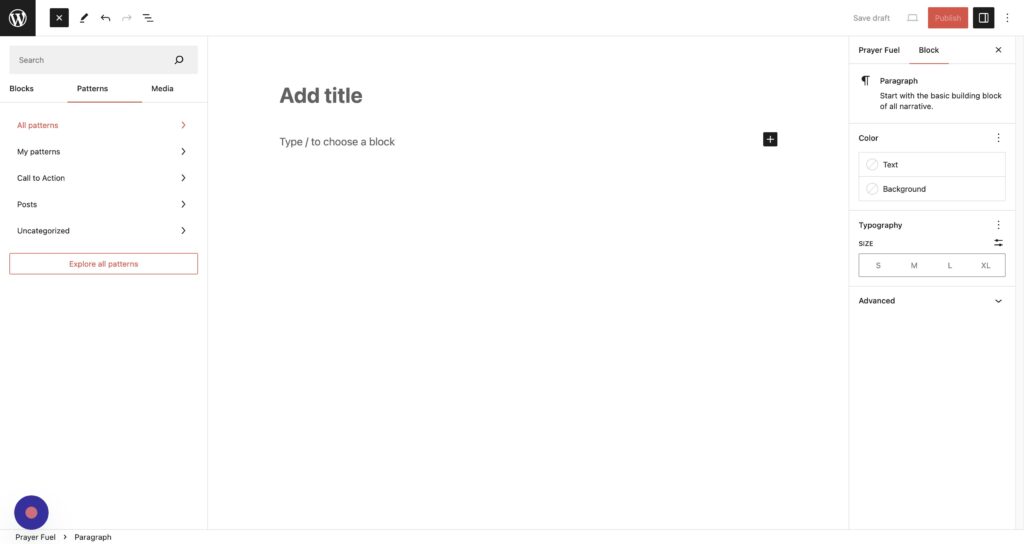
Click “Patterns”
Step 7
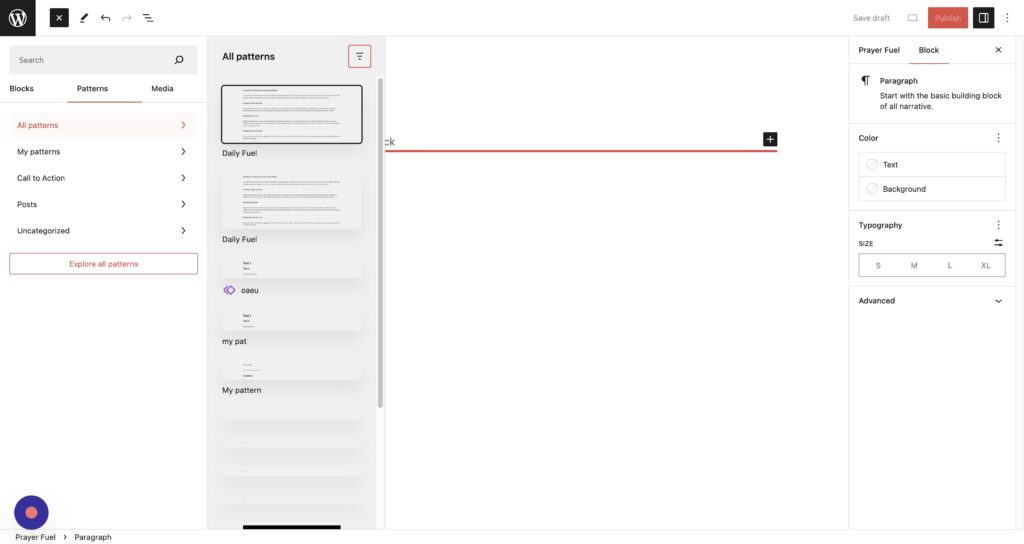
Click “All patterns”
Step 8
Click the pattern you want to add
Step 9
Now you can modify the prayer fuel for the day
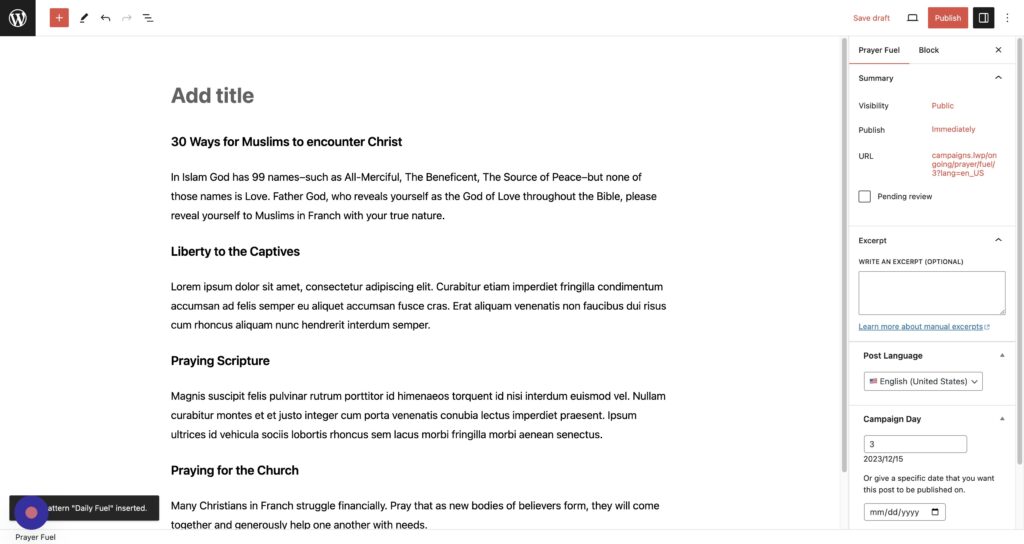
Step 10
When the content is ready, click “Publish”
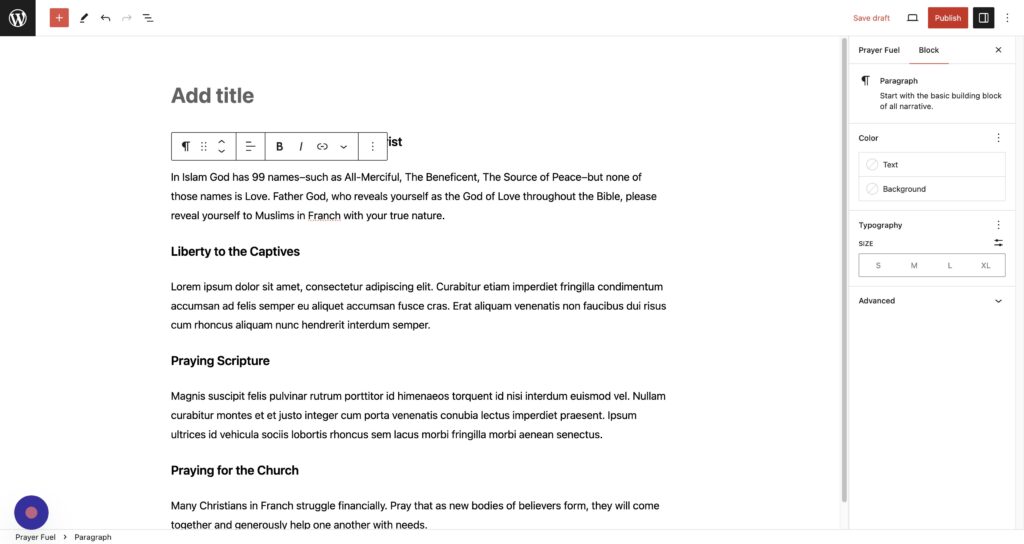
Step 11
Click “Publish”